
To install Argos OnBoard for Ricoh, User Account Management must be disabled. Follow these steps to disable User Account Management on a Ricoh device:
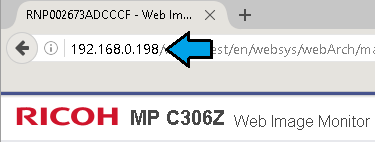
- Open a web browser and enter the IP address of the Ricoh in the URL bar
- Click Login.

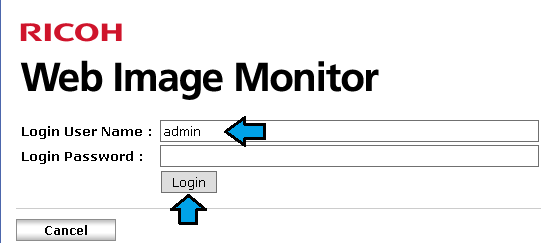
- Enter administrative credentials and click Login (default username is admin, password is blank. Contact your Ricoh provider if you are unable to log in)
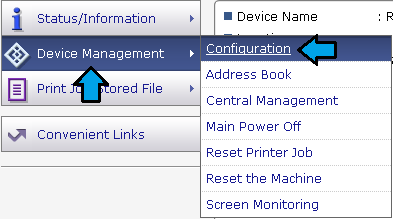
- Click Device Management and Configuration
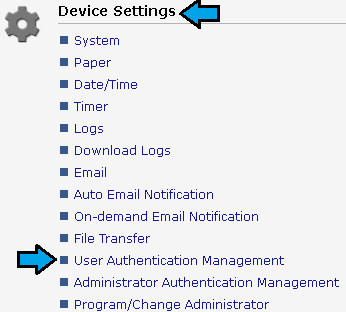
- Under the Device Settings section, select User Authentication Management
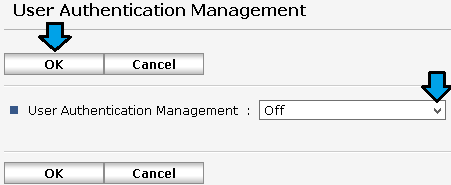
- Select the drop down list next to User Authentication Management and select Off. Click OK to save the change.
- Click Logout
The Argos OnBoard for Ricoh client can now be installed.
0 Comments